
Order status
When an order changes status, it usually indicates the next step. Use this guide to understand what to do and when to contact ByteMax support.
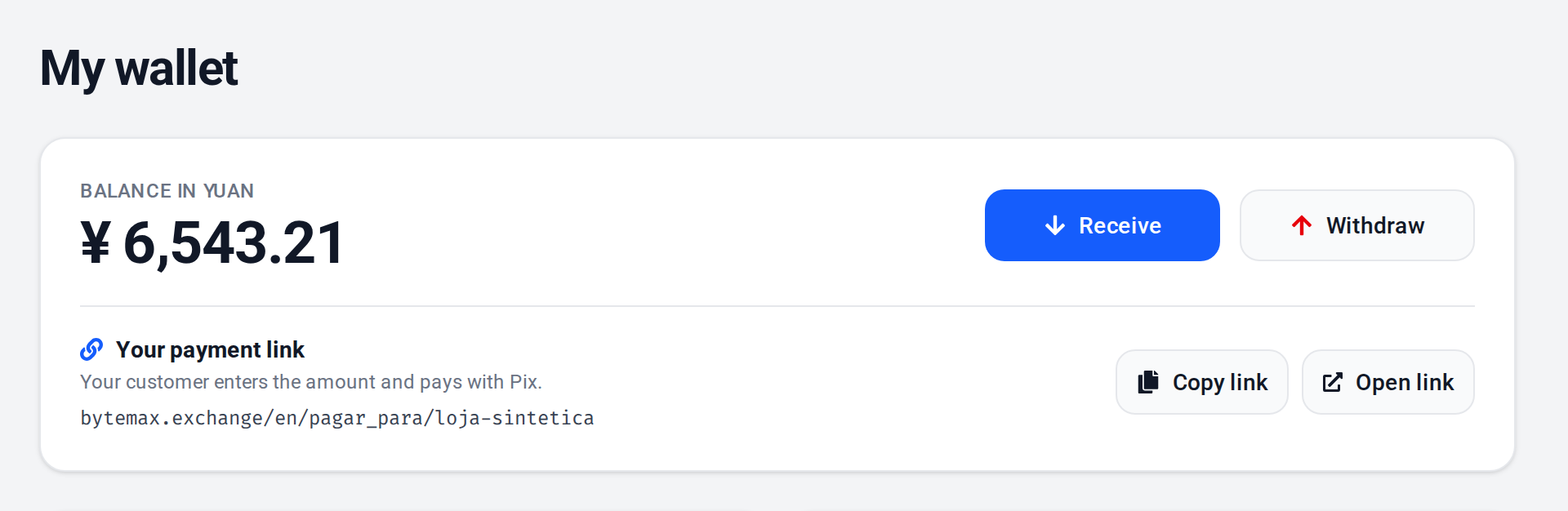
Where to check the status
- On the Orders page: open the order to see status and details.
- In your Wallet history: each transaction shows the order ID.
- On payment links: the screen shows whether it is waiting, processing, or completed.
Common statuses
Names may vary by operation type, but the meaning is usually similar.
- Waiting for payment: no confirmed payment yet.
- Awaiting bank details: the receiving destination needs to be provided or confirmed.
- Processing: the payment was received and is being completed, or the withdrawal is being sent to the bank.
- Completed: the operation finished successfully.
- Expired/canceled: the order can no longer be paid; create a new one.
Need help? Contact ByteMax support
If something differs from what you see on screen, follow what the screen shows and send these details to speed things up.
- Payment/Order ID (e.g., PAGAMENTO-000123 or ORDEM-000123).
- Approximate date & time (include timezone: UTC or BRT (UTC-3)).
- Amount, currency (BRL/CNY) and the status shown.
- Screenshots without unnecessary sensitive data (keep the ID visible).
- If there's a dispute: 1 or 2 chat screenshots showing the agreement and the relevant receipts.