Before contacting ByteMax support
To solve issues faster, support needs a minimum context and the right evidence. Use this checklist and avoid sharing unnecessary sensitive data.
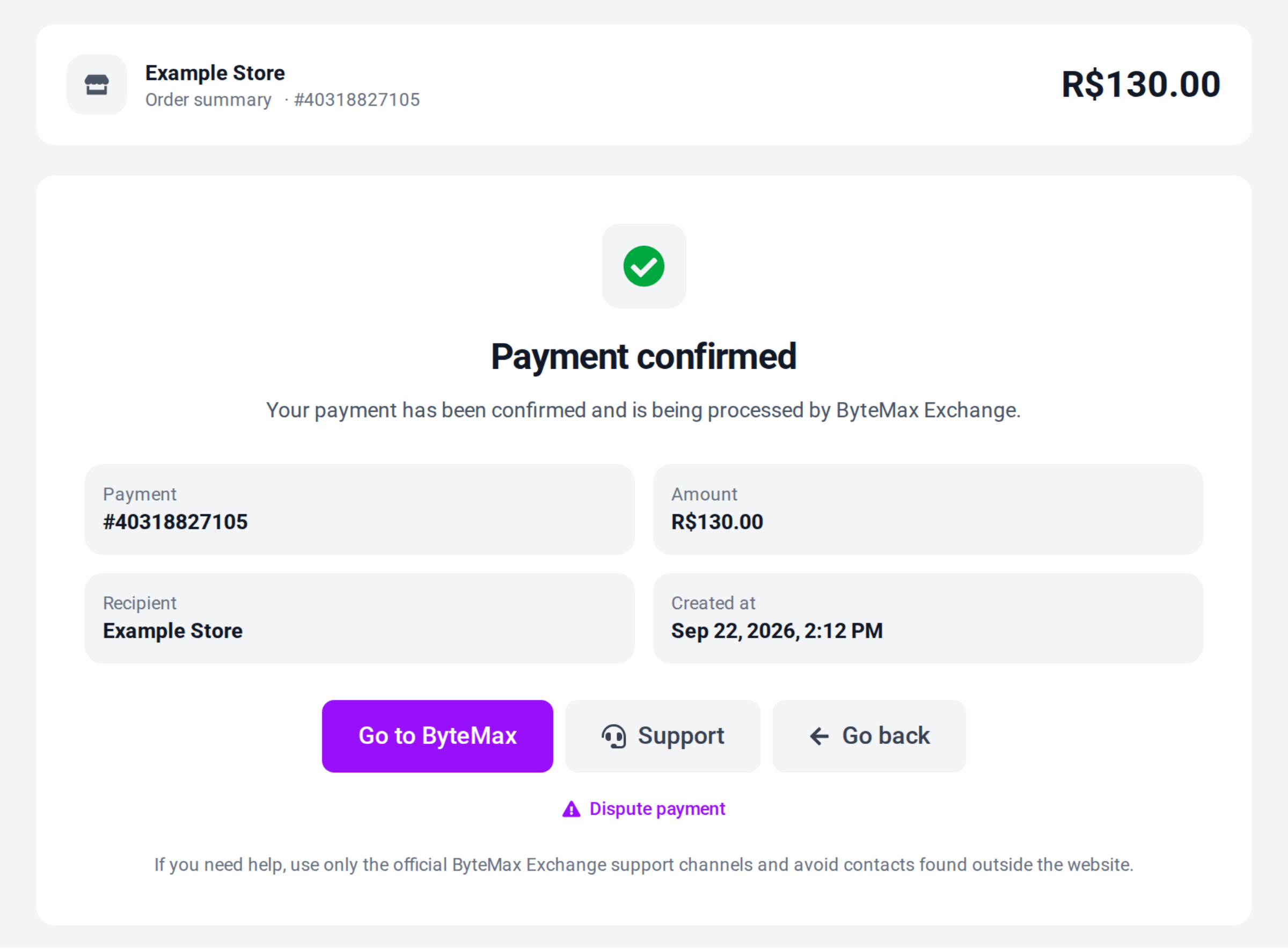
Where to find IDs and information
- Orders: open the order and copy the ID.
- Wallet: each transaction shows the ID and, for incoming payments, the payer name and CPF/CNPJ.
- Payment link: the payment ID appears on the success screen.
- Disputes: include both the dispute ID and the related order/payment ID.
If you are a buyer (Brazil)
- Send the Pix receipt with date/time and the order/payment ID.
- Before paying, confirm beneficiary and amount. If in doubt, do not complete the Pix.
- If you paid and it is not confirmed, wait a few minutes and then send the receipt to support.
If you are a supplier (CN/HK)
- Send the payment link/receipt ID and the Wallet status.
- If there is a dispute, attach the essential evidence (invoice, chat excerpt, tracking) and a timeline (UTC and BRT).
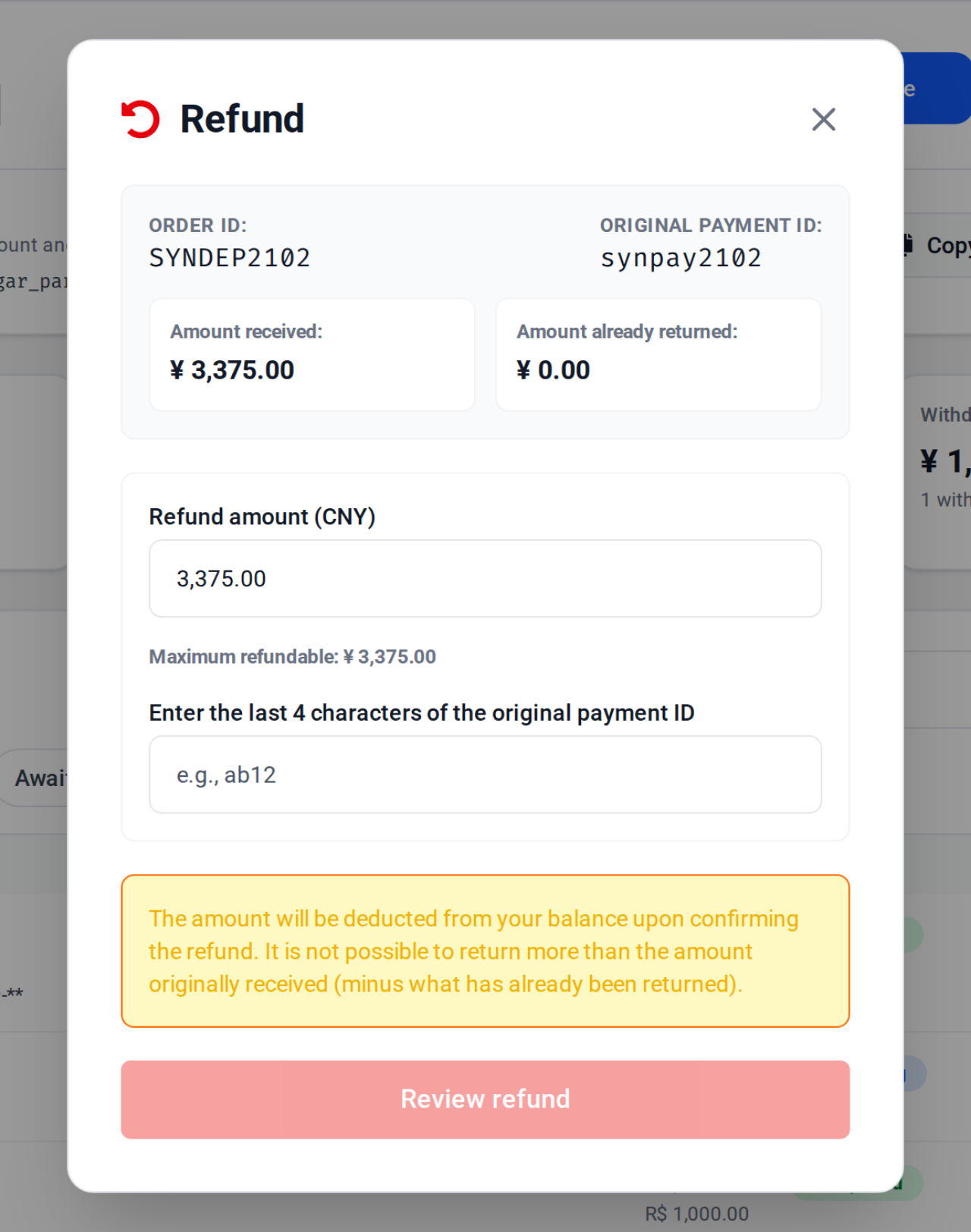
- For a refund, send the order ID and say whether the Refund button appears on the payment's row in your wallet.
Need help? Contact ByteMax support
If something differs from what you see on screen, follow what the screen shows and send these details to speed things up.
- Payment/Order ID (e.g., PAGAMENTO-000123 or ORDEM-000123).
- Approximate date & time (include timezone: UTC or BRT (UTC-3)).
- Amount, currency (BRL/CNY) and the status shown.
- Screenshots without unnecessary sensitive data (keep the ID visible).
- If there's a dispute: 1 or 2 chat screenshots showing the agreement and the relevant receipts.