
Fees and exchange rate
On ByteMax, the final amount can vary due to the exchange rate and fees. This guide explains the most common fee types and where to verify the rules in the UI.
Common fee types
- Transaction and exchange-rate fees: shown in each currently supported order, payment, or currency flow.
- Withdrawal fee: today, withdrawing yuan from the wallet has no ByteMax fee (the Fees page shows “Free”).
- Bank/network fees: may exist outside ByteMax (e.g. your bank while sending Pix).
- Retention/guarantee is not a fee, but it can temporarily lock part of your balance.
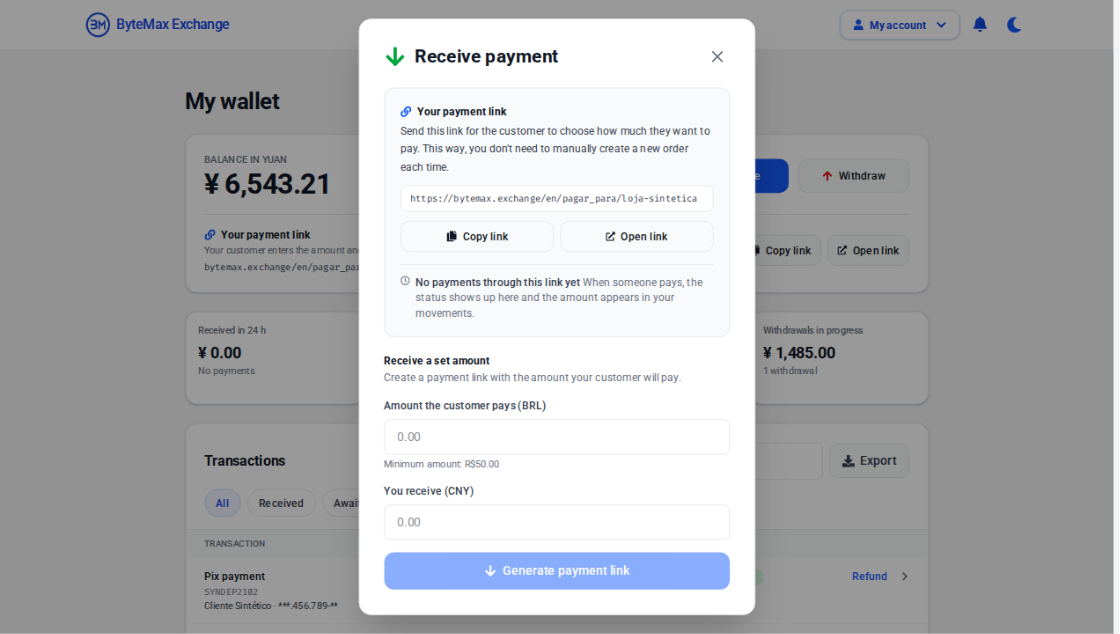
Where to verify the final amount
- On each operation's screen (receiving a payment, withdrawing or making a top-up), check the amount and, when shown, the exchange rate before confirming.
- On the Fees page, you see the published fees of each operation; the exchange rate, limits and final amount appear in the operation itself.
- In your Wallet history, each transaction shows the amount and currency.
Tips to avoid surprises
- Check the exchange rate right before confirming, especially for large amounts.
- If you operate in CN/HK, remember that the wallet receives and withdraws in yuan; use only currency operations currently offered by ByteMax.
- If you have questions, capture a screenshot of the confirmation screen (without sensitive data) showing rate and fees.
- Avoid comparing with old screenshots; rates change and your final amount can differ.
Need help? Contact ByteMax support
If something differs from what you see on screen, follow what the screen shows and send these details to speed things up.
- Payment/Order ID (e.g., PAGAMENTO-000123 or ORDEM-000123).
- Approximate date & time (include timezone: UTC or BRT (UTC-3)).
- Amount, currency (BRL/CNY) and the status shown.
- Screenshots without unnecessary sensitive data (keep the ID visible).
- If there's a dispute: 1 or 2 chat screenshots showing the agreement and the relevant receipts.